Architecture Overview
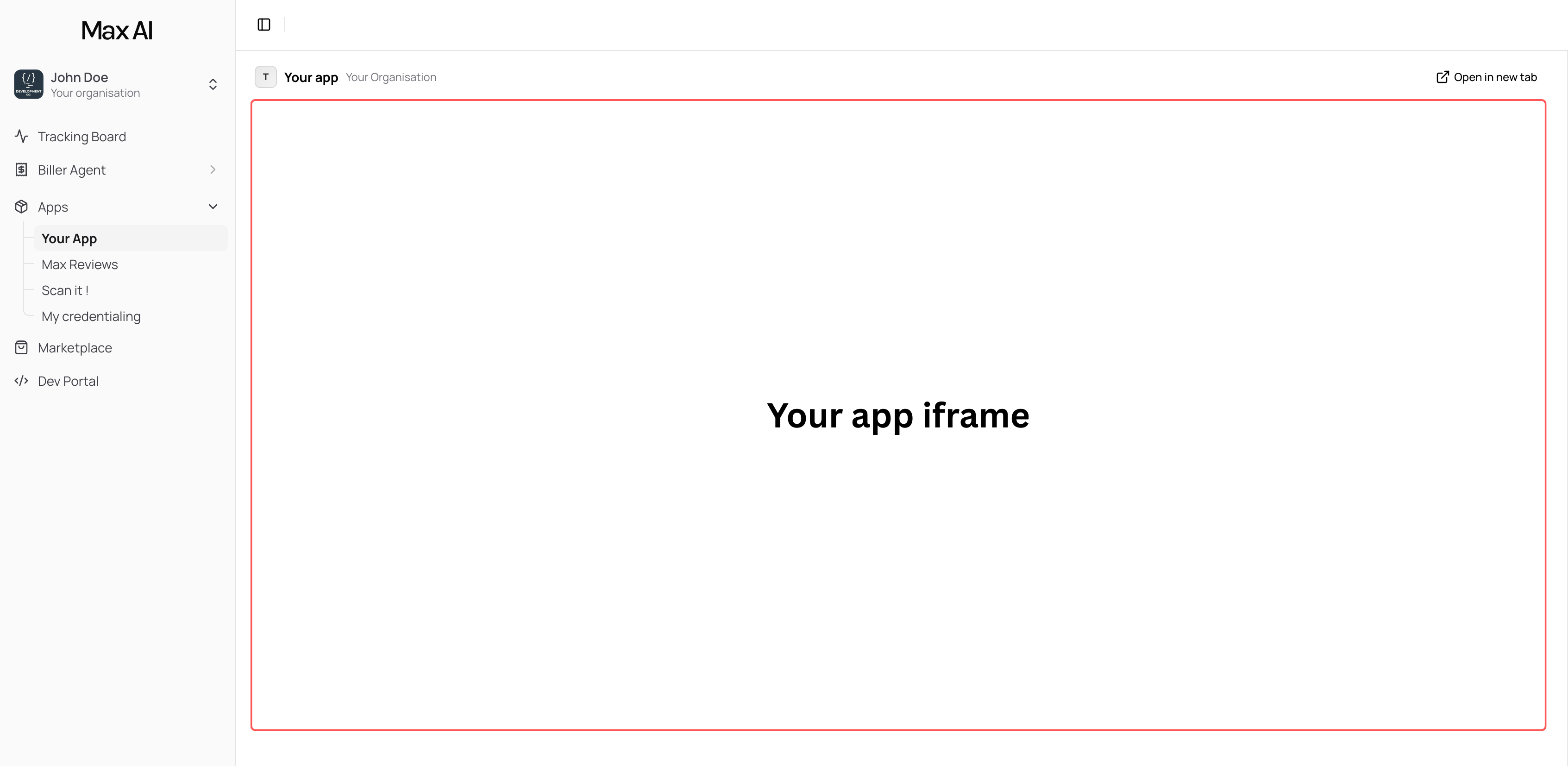
Your app communicates with two systems:-
App Bridge (
@max-ai/app-bridge) — A client-side SDK that connects your iframe to the Max AI platform. It provides context about the current user and organization, and enables UI interactions with the host application. -
Public API (
api.maxcare.ai) — A REST API your backend calls to read clinic data (patients, appointments, bills, claims, inventory). Authenticated with API keys and scoped permissions.
Key Building Blocks
App Bridge
The@max-ai/app-bridge SDK runs in your frontend and provides:
- Organization context — The Organization ID of the clinic using your app, so your backend knows which clinic to query data for
- User context — Information about the current logged-in user
- Platform communication — Navigate, notify, and interact with the Max AI host
Component Library
The@max-ai/components package provides pre-built UI components styled to match the Max AI platform, so your app looks native.
Public API
The REST API atapi.maxcare.ai gives your backend access to clinic data:
- Patients — Demographics, contact info, MRN
- Appointments — Schedule, status, provider assignments
- Bills — Charges, coding groups, diagnoses, line items
- Claims — Submission status, insurance, amounts
- Inventory — Stock levels, products, receiving sessions
- Providers & Facilities — Clinic staff and locations
/v1/marketplace/me).
Data Flow
- A clinic installs your app from the Max AI Marketplace
- They grant your app the scopes it requested (e.g.,
read:patients,read:appointments) - When a user opens your app, the App Bridge provides the Organization ID
- Your frontend sends that Organization ID to your backend
- Your backend calls
api.maxcare.aiwith your API key and the Organization ID - Max AI returns the clinic’s data, filtered to only the scopes your app was granted